Lectur for schools and tutors
Know what every student has learned.
Lectur runs your courses, practice, course work and exams in one place. You see each student’s level on every topic while the term is still going.

The apps students use every day know them well. The tools that run their education barely know them at all.
No one sees the whole student.
What a student keeps getting wrong stays in the app where it happened. A student who is falling behind can go unnoticed until a grade makes it obvious.
AI arrived before schools were ready.
Students and teachers already use it, with rules or without. A good grade on work done outside class now says much less about what a student understands.
Practice rewards nothing until the grade comes back.
Schoolwork gives little back as students work: no feedback, no visible progress, no reason to return tomorrow.
Use all of Lectur, or only the parts you need.
Switch each part on or off, for the whole organisation or for a single course.
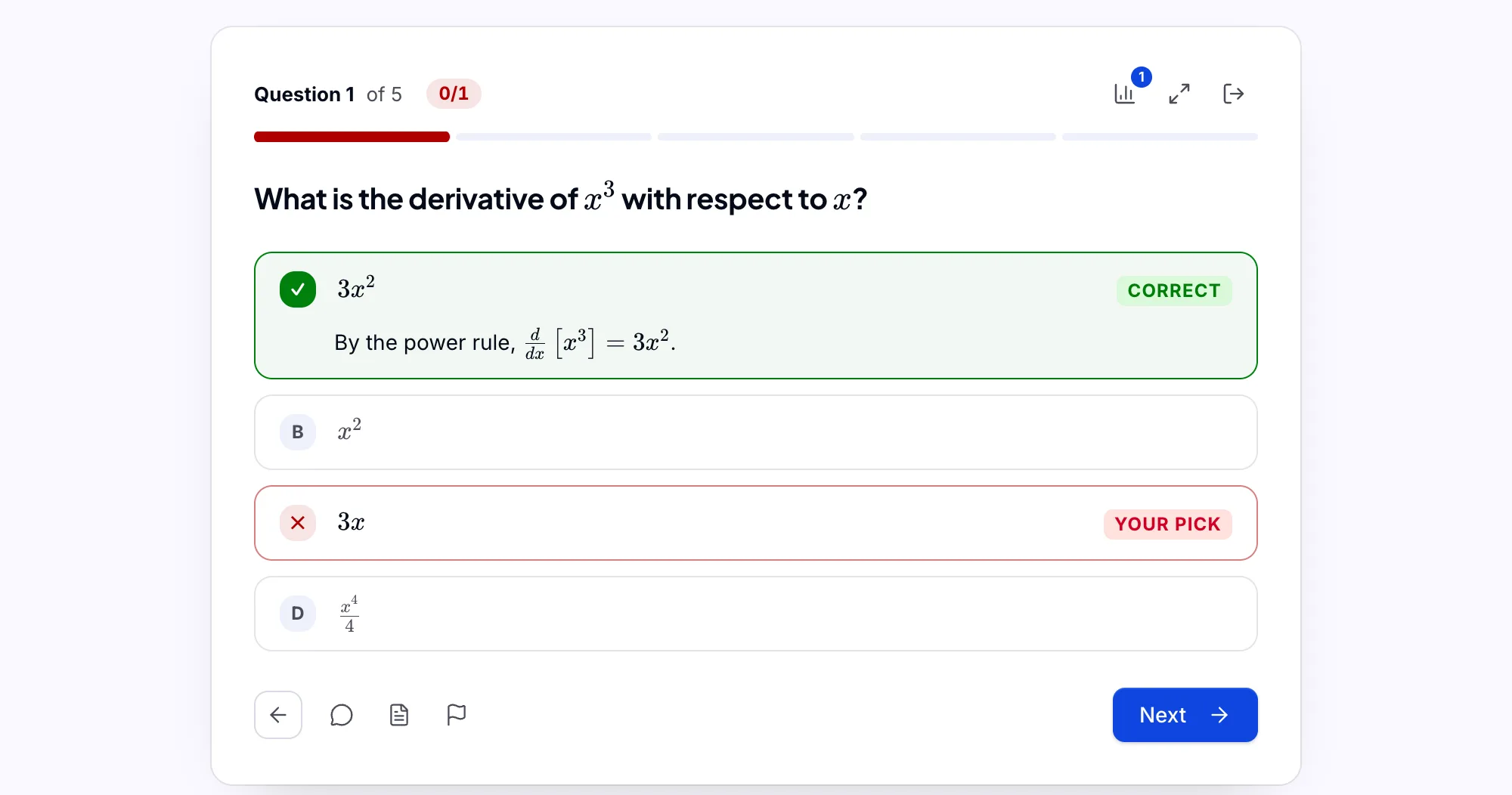
Learn
Courses built from your own material, with interactive lessons, adaptive practice, protected video and an AI tutor that knows the course.
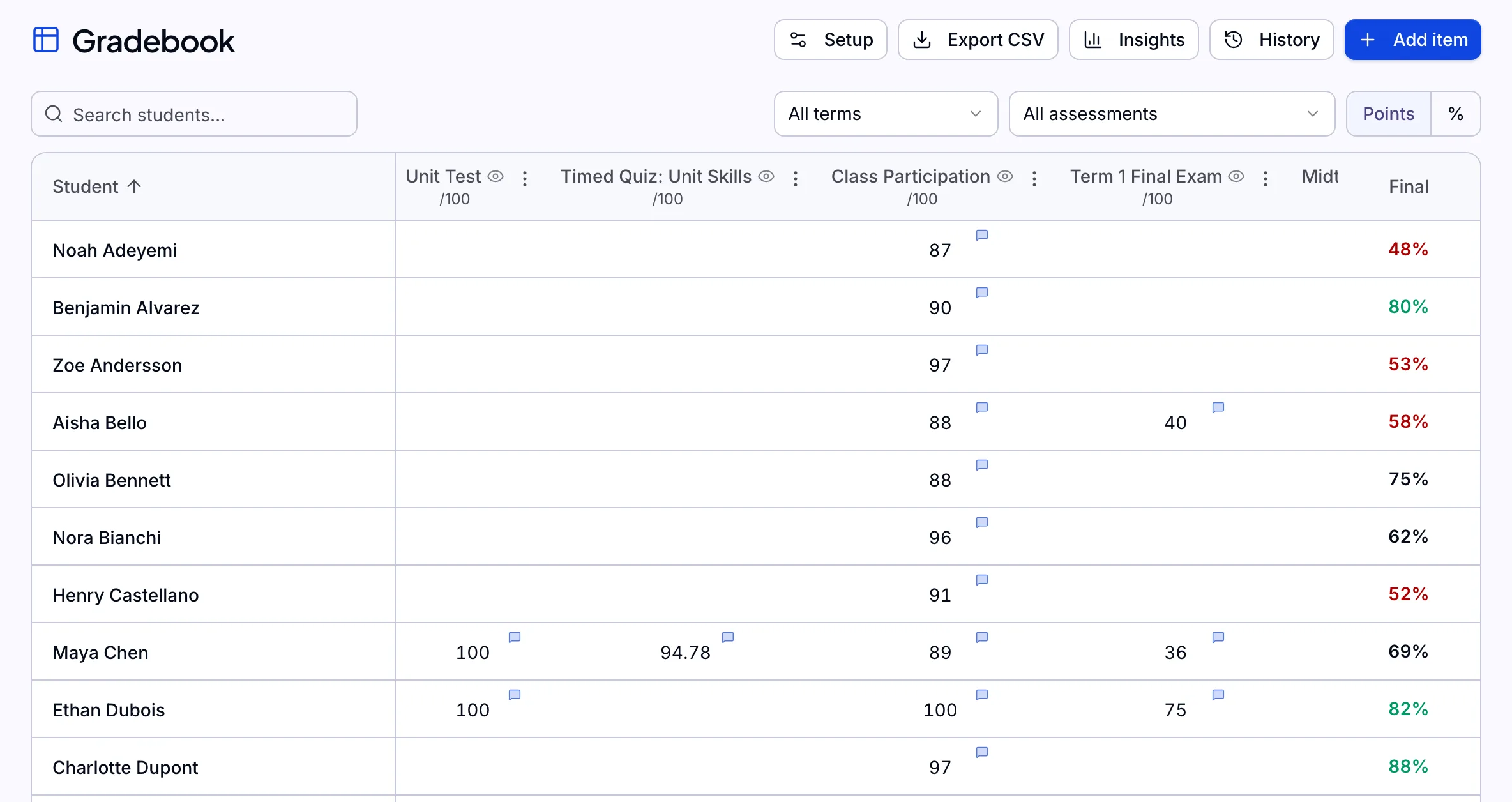
Assess
A question bank, course work, a flexible gradebook and proctored exams, with AI drafting the marking for you to publish.
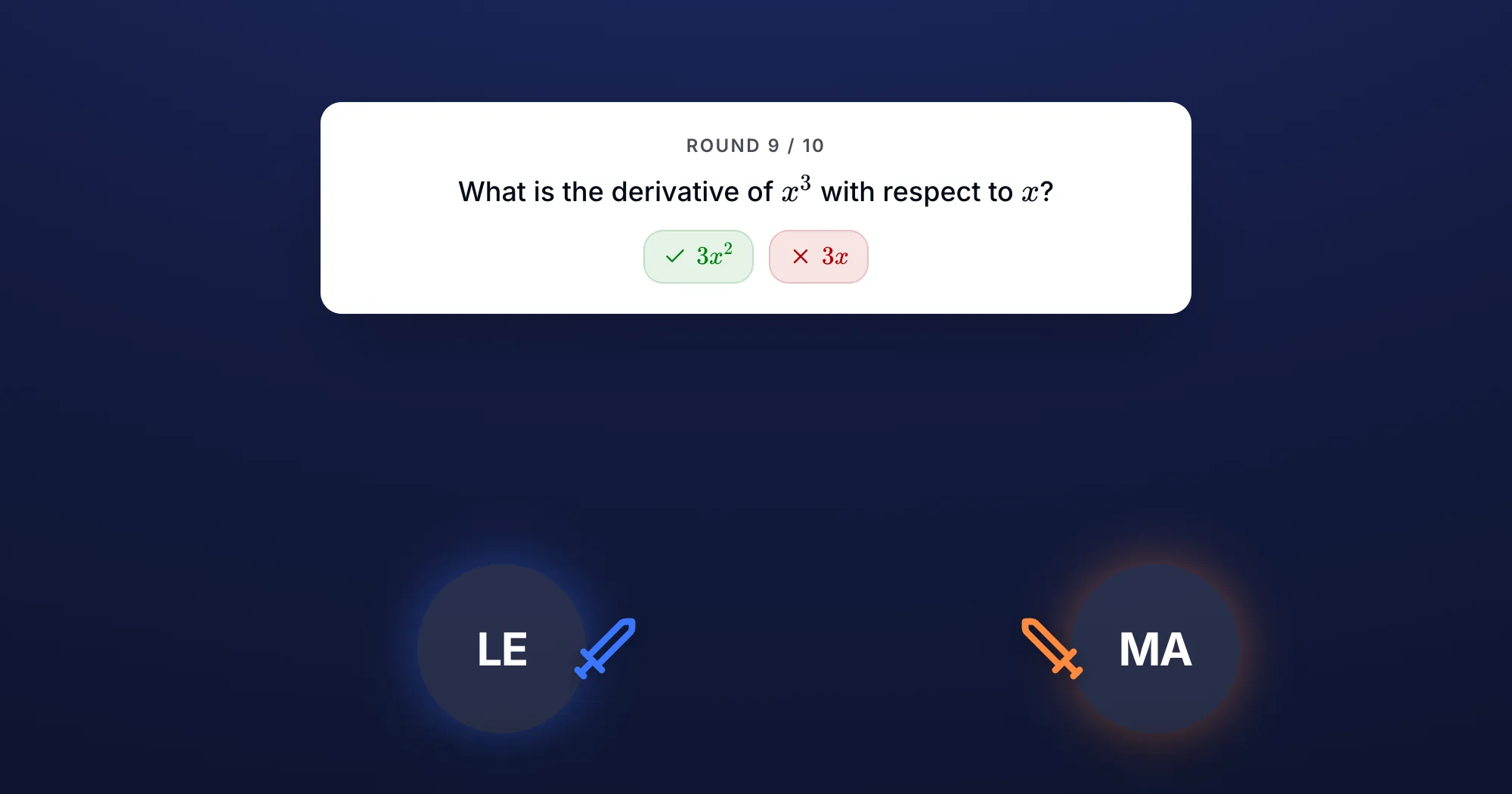
Engage
Announcements, polls, class chat and friendly challenges that keep students coming back to practice.
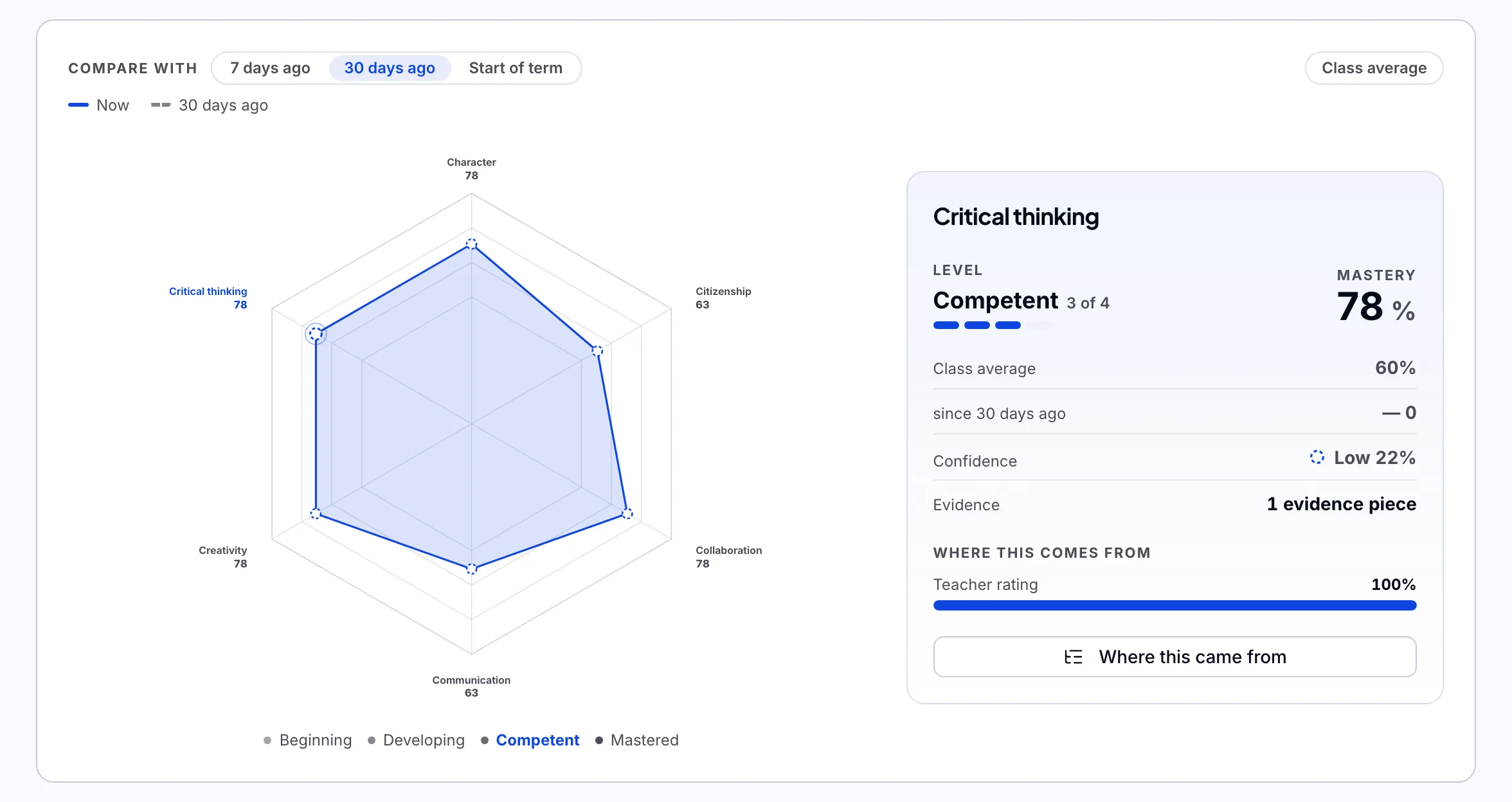
Track
Insights on every student and every topic, one skills profile across courses, and a read-only view for parents.


See the whole platform in detail
Bring one chapter or one recording and we set it up with you live.
AI that works for the school, not around it.
Students and teachers already use AI, in tools the school never chose. Lectur brings it into the school’s own system. Teachers set how much it helps on every piece of work.
- 64%of US teens use AI chatbots, and more than half have used them for schoolwork.Pew Research Center, 2026
- 61%of teachers in Alberta used AI for their work in the past year.OECD Teaching and Learning International Survey, 2025
Can you do this question for me?
Let’s work through it. What does the question give you?
Will you help with graded work?
Only as much as your teacher allows.
Where do your answers come from?
From your course material first, and I show you the page.
Who controls how you’re used?
The school and its teachers, down to every single piece of work.
Protect the courses you’ve built.
Shared logins, screen recordings and resold copies cost tutors and schools real money. Every recording and live class on Lectur is encrypted, tied to the person watching it and traceable back to them.

One viewer, a set number of devices
Each student gets a limit on devices and on streams at once.
A log for every video
See who watched, from where and for how long. Block a device from the same list.
Documents too
Notes and past tests can be watermarked and kept to Lectur’s own reader.
Why they choose Lectur.
 Matthew M.Tutoring business owner
Hands down the best platform I have used. For any professor/tutor or educator seeing this, try a demo with the team. You will see how great the platform is, and the team behind it.
 Dereck G.Tutoring business owner
This platform is absolutely great to use as a tutor or teacher. It is fully tailored to your needs, and the customer service is excellent. You always receive a response within a maximum of two hours, and most of the time it’s well within the hour. If any issue arises, it gets resolved quickly. I haven’t been able to find anything else as good, or even close to how good this platform is. An amazing platform with outstanding customer service.
Start with a few classrooms.
Every school and every tutor works differently. Our team builds alongside you, until Lectur feels like your own in-house platform.
Start with only what you need
Use just the gradebook, the exams or the recordings. Keep the tools you already have and switch on the rest later.
Bring your Moodle course
Upload a course backup and Lectur imports its files, sections, pages and quiz questions. You see a preview before anything is imported.
Sign in with the school account
Staff and students sign in with their school Microsoft or Google account.
English and French on every screen
Each person chooses their own language. Your course material stays in the language you write it in.
Will this add work for our teachers?
Teachers keep doing what they already do, in one place instead of several. AI prepares first drafts of marking, feedback and lessons, and no draft reaches a student until a teacher approves it. Anything a school doesn’t want stays switched off.
Where is our data kept?
Your data is stored in your region. Your work is never used to train AI. A privacy impact assessment is ready for schools.
What if we need something Lectur doesn’t do yet?
Tell us. You’ll speak directly with the people who build Lectur, and many of today’s features started as a customer’s request.
Which devices does Lectur work on?
A current browser on Windows, Mac, Chromebook, iPhone, iPad or Android. There’s nothing to install.
What does it cost?
Schools and tutors are on Lectur Classroom. The price is a quote for each seat. Book a demo and we give you the price in that conversation.
Ready to see it on your own material?
Book a demo, or start with a pilot in a few classrooms.
- We set up your chapter or recording live
- We reply within two business days
- No commitment