Use all of Lectur, or only the parts you need.
Configurable at every level, from the whole organization down to a single course.
Learn
Courses built from your own material, with interactive lessons, adaptive practice, protected video and an AI tutor that knows the course.
Upload your material and get a course you can edit.
- Five guided steps from your files to a finished course
- Chapters and topics proposed from your documents and recordings
- Every AI change arrives as a proposal you apply or discard
- Import a Moodle course backup
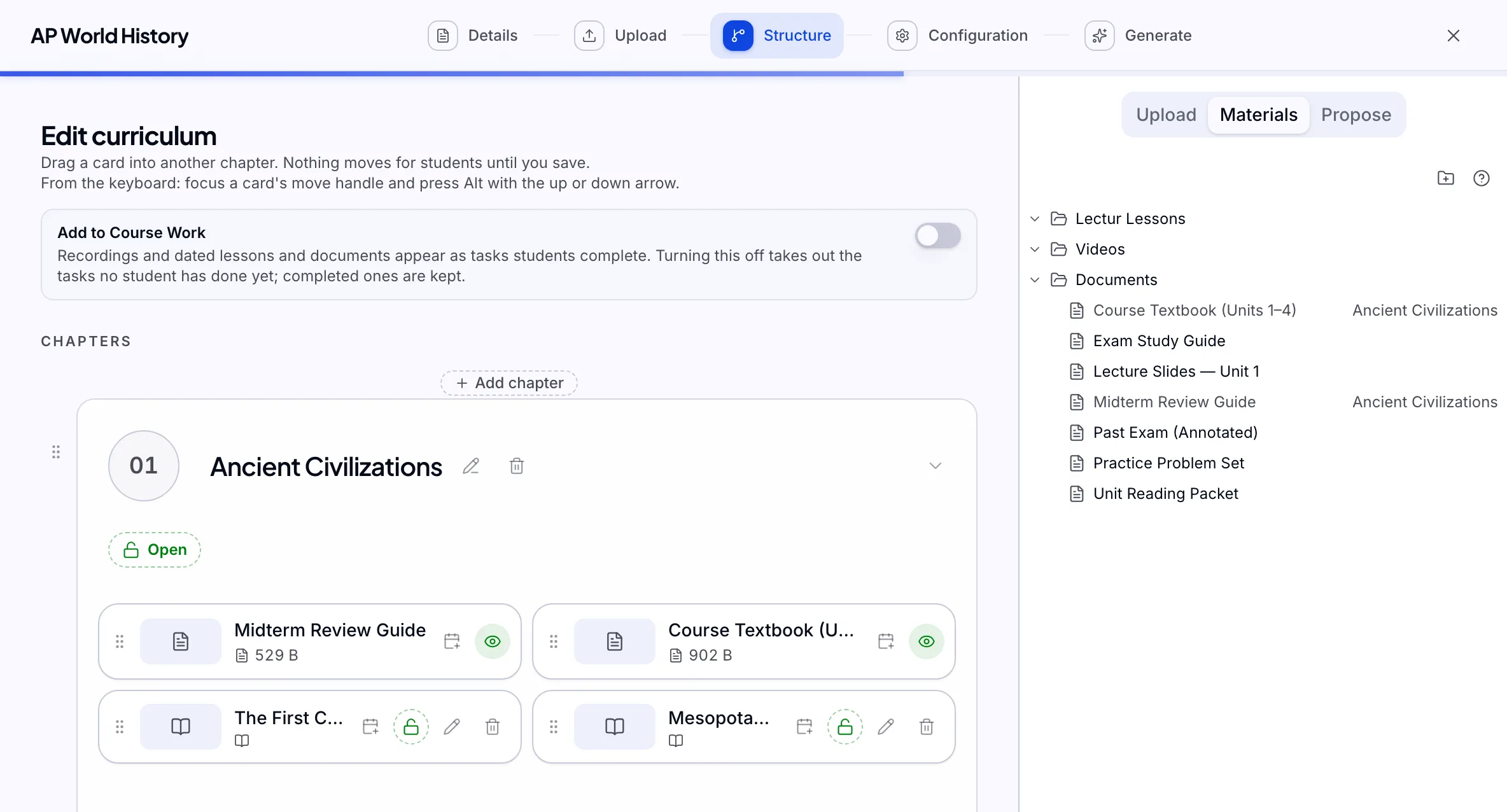
Teacher's view Interactive step-by-step lessons, built around your material.
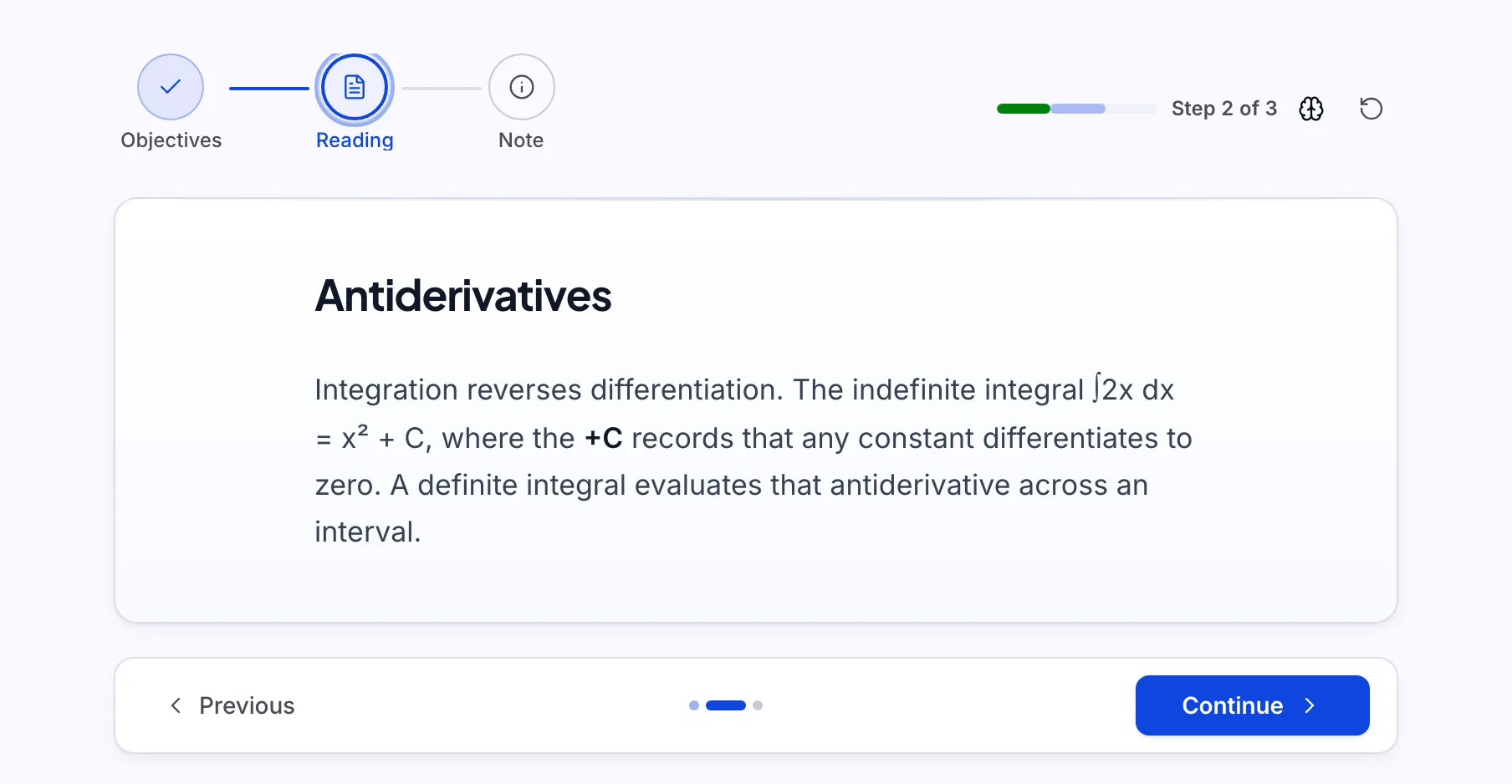
- Ten block types, including knowledge checks, code and tabs
- Describe a lesson, approve the outline, review the draft
- Students keep reading the published version while you edit
- Release by progress, on a date, by hand, or all open
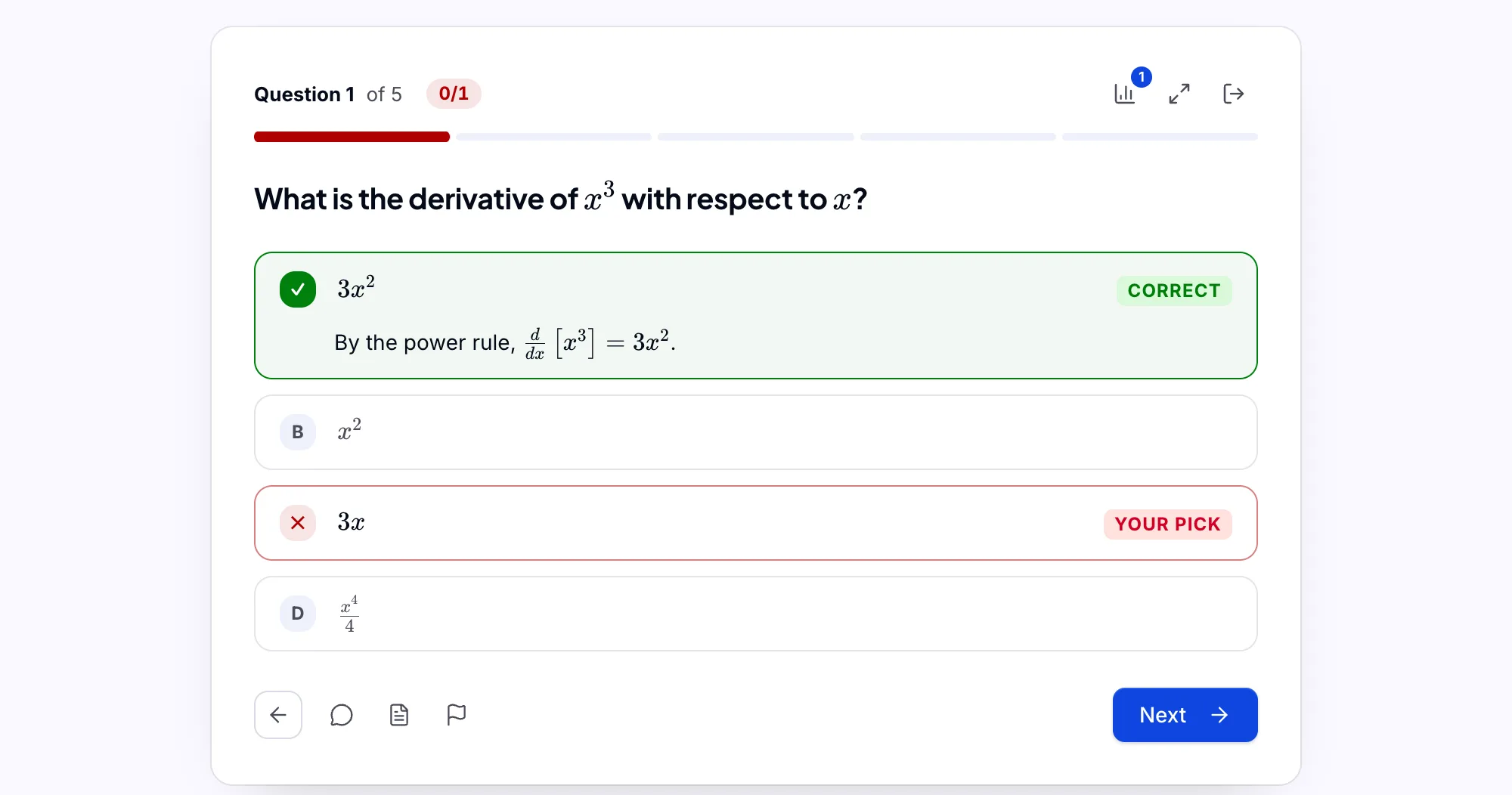
Student's view Practice that adapts to each student, with feedback on every answer.
- Five ways to practice, from Smart mix to Reviews due
- Eight question types, from multiple choice to worked calculations
- A working space that computes each line, with step-by-step Guide me
- Photo and drawing answers marked with partial credit
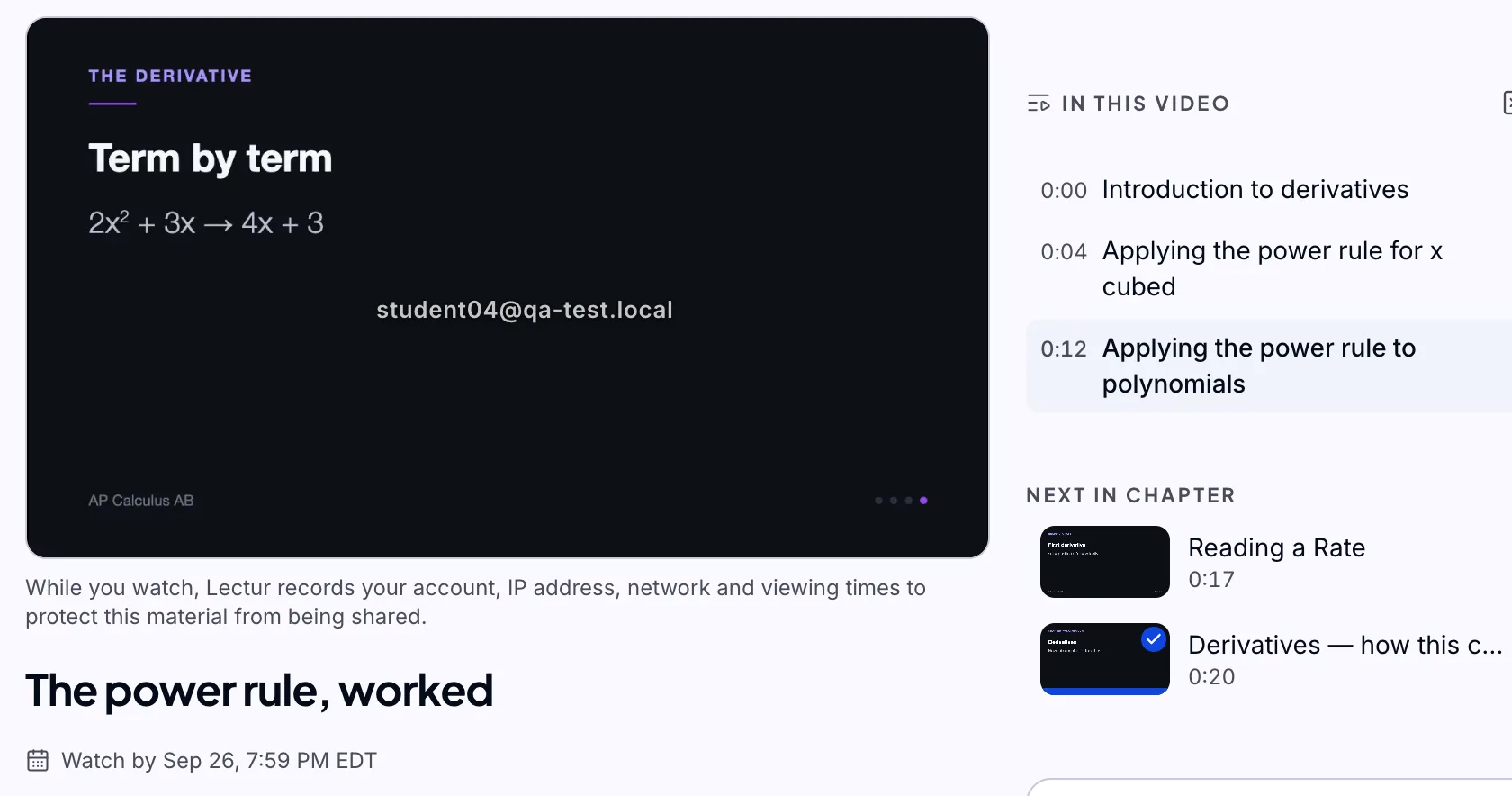
Student's view Recordings and live classes, all protected.
- Captions, transcript and chapter marks on every recording
- Watch tasks complete from what a student has really watched
- Go live from the browser, and the class becomes a recording
- Transcripts are searchable and feed the question bank
Student's view An AI assistant that knows the course.
- Answers from your material and cites the page or the lecture timestamp
- Knows each student's mastery and suggests what to do next
- Will not hand over answers during graded work
- For teachers: ask who is at risk or where the class is stuck
Student's view


Assess
A question bank, coursework, a flexible gradebook and secure exams, with AI drafting the marking for you to publish.
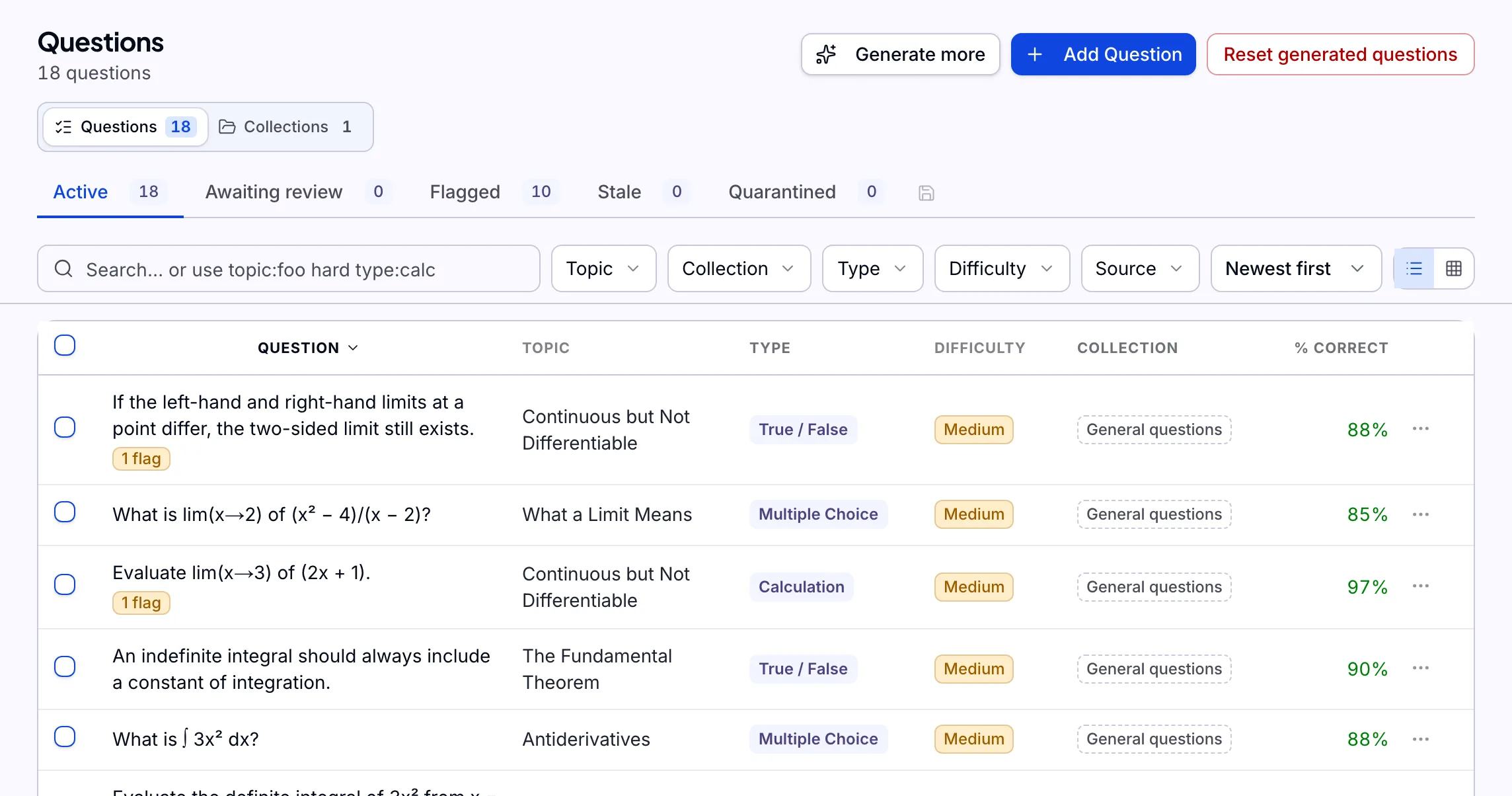
Your questions, organized by topic and ready to reuse.
- Search and filter by topic, type, difficulty and status
- See how often each question is used and how often it is answered correctly
- Collections keep an exam bank out of student practice
- Generate more from your material, and approve each draft
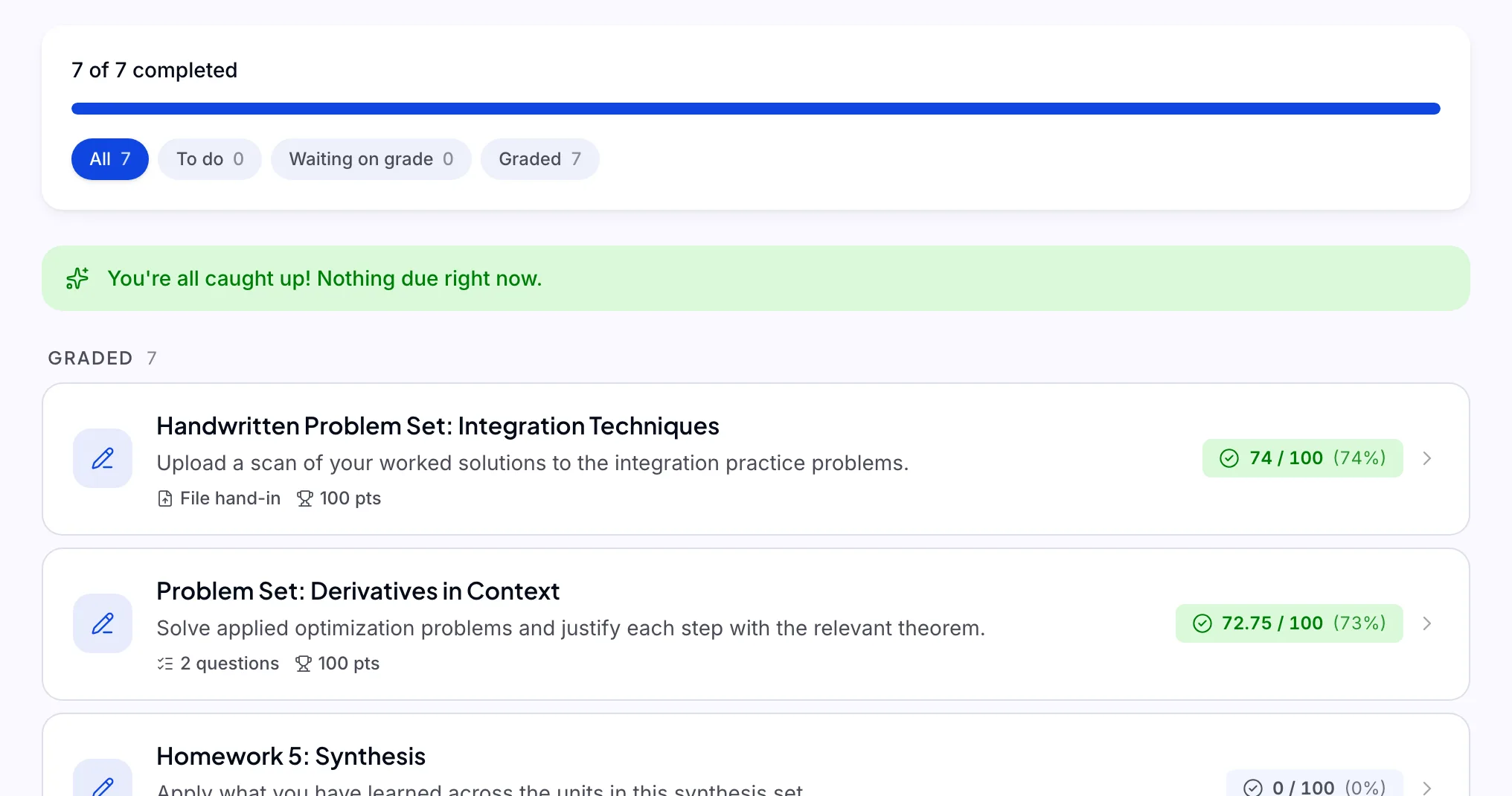
Teacher's view Tasks, assignments, quizzes, exams and projects in one place.
- Build by hand, with AI, from a document, or as a file hand-in
- Objective answers are marked on hand-in, and AI drafts the rest for you to publish
- Mark directly on a student's pages
- Group projects with one hand-in and per-member marks
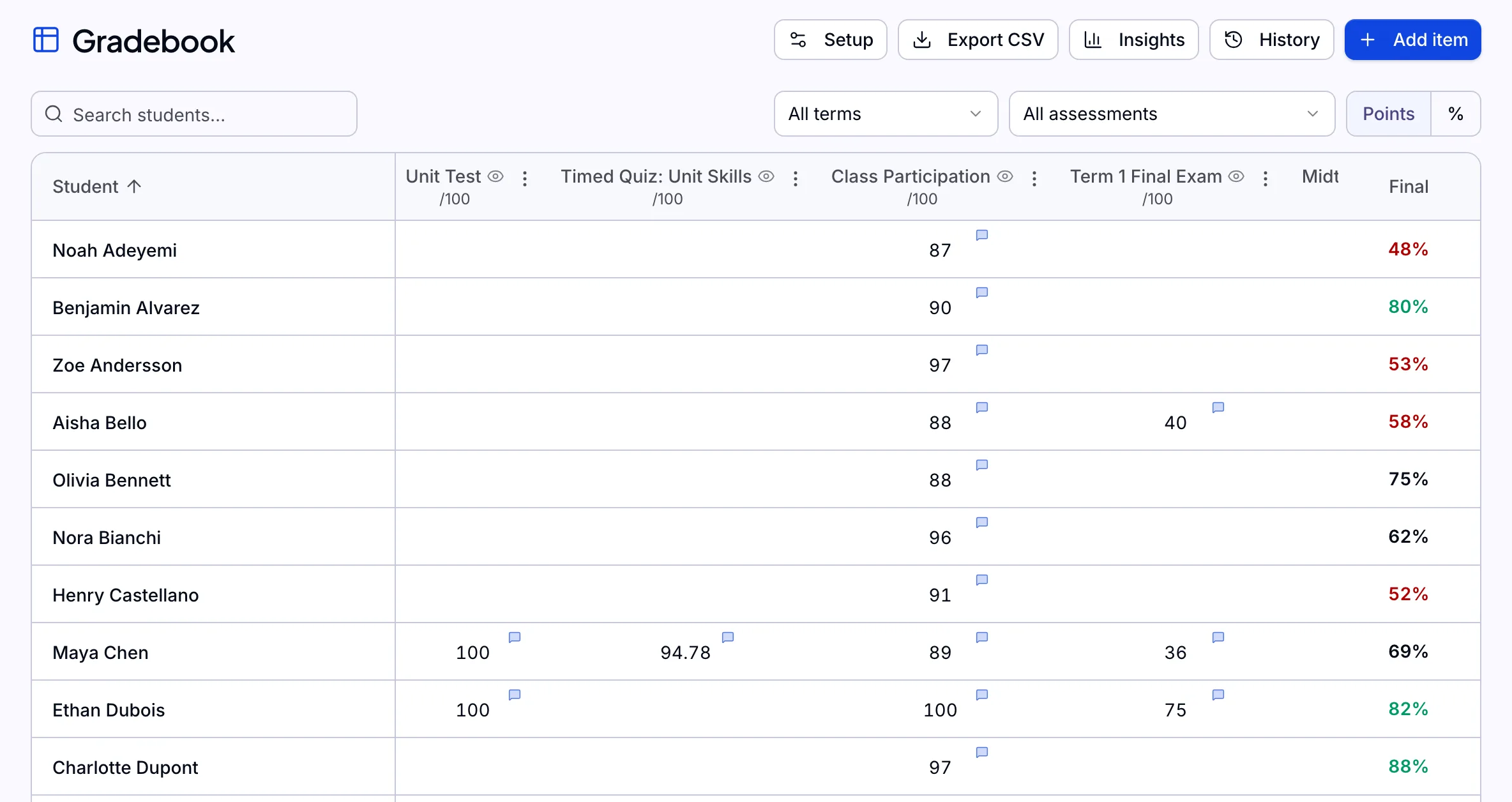
Student's view A flexible gradebook that fits how you grade.
- Presets for Québec secondary and elementary terms and weights
- Weighted categories, drop-lowest and late policies
- Every change recorded, with one-click revert
- Students get a grade calculator for what they still need
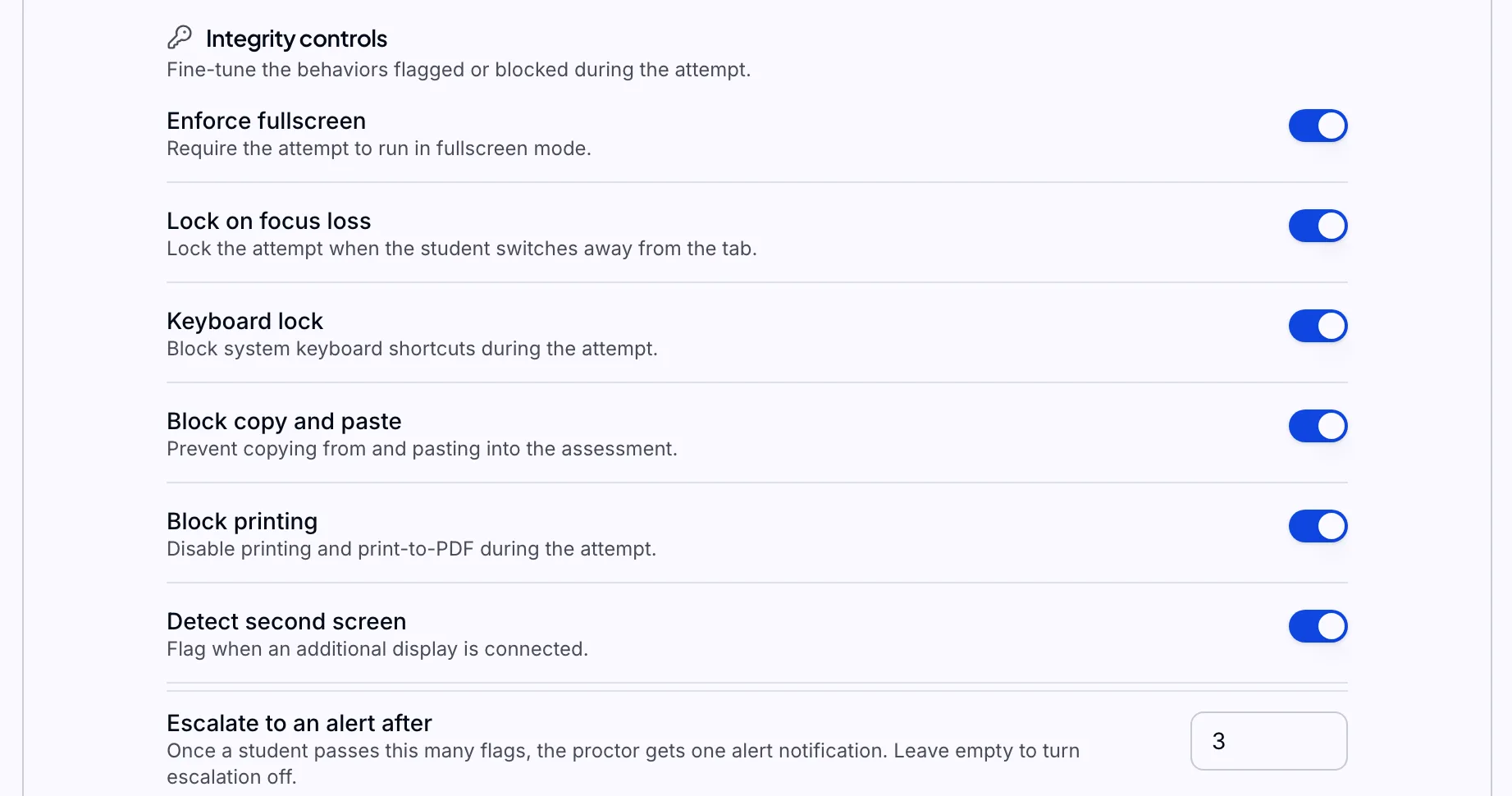
Teacher's view Locked-down exams, with every integrity flag recorded.
- Enforced fullscreen that locks when a student leaves
- Server-side timer and a different question set per student
- Live monitor: add time, force a submission, message a student
- A per-student integrity report on a tamper-evident log
Teacher's view


Engage
Announcements, polls, class chat and friendly challenges that keep students coming back to practice.
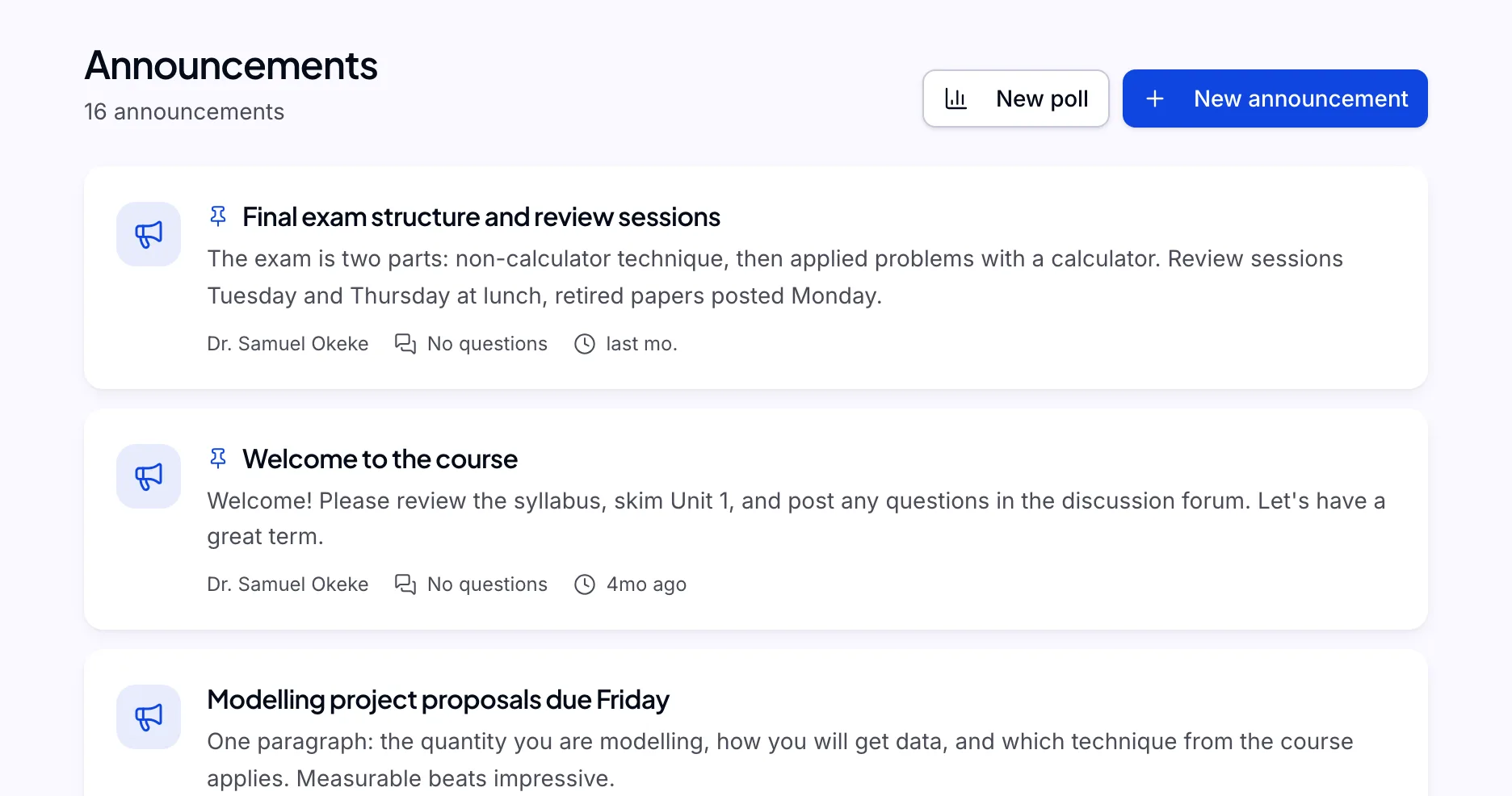
Tell the whole class at once, and hear back.
- Announcements with questions that are anonymous to classmates
- Polls with live results
- Discussion forums for each course
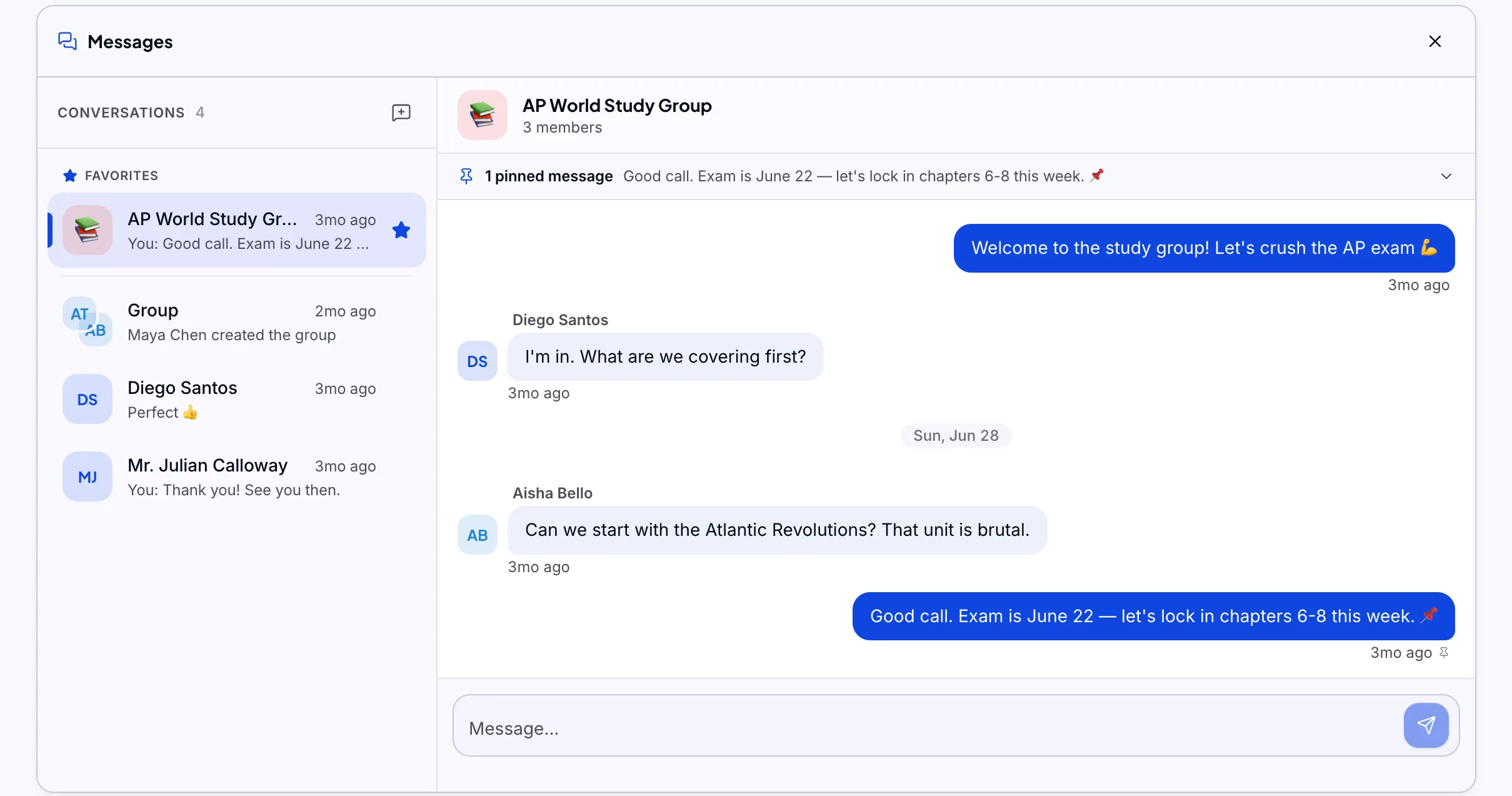
Teacher's view Every class conversation, inside the platform.
- A class chat for every course
- Direct and group messages
- Block, report and staff oversight built in
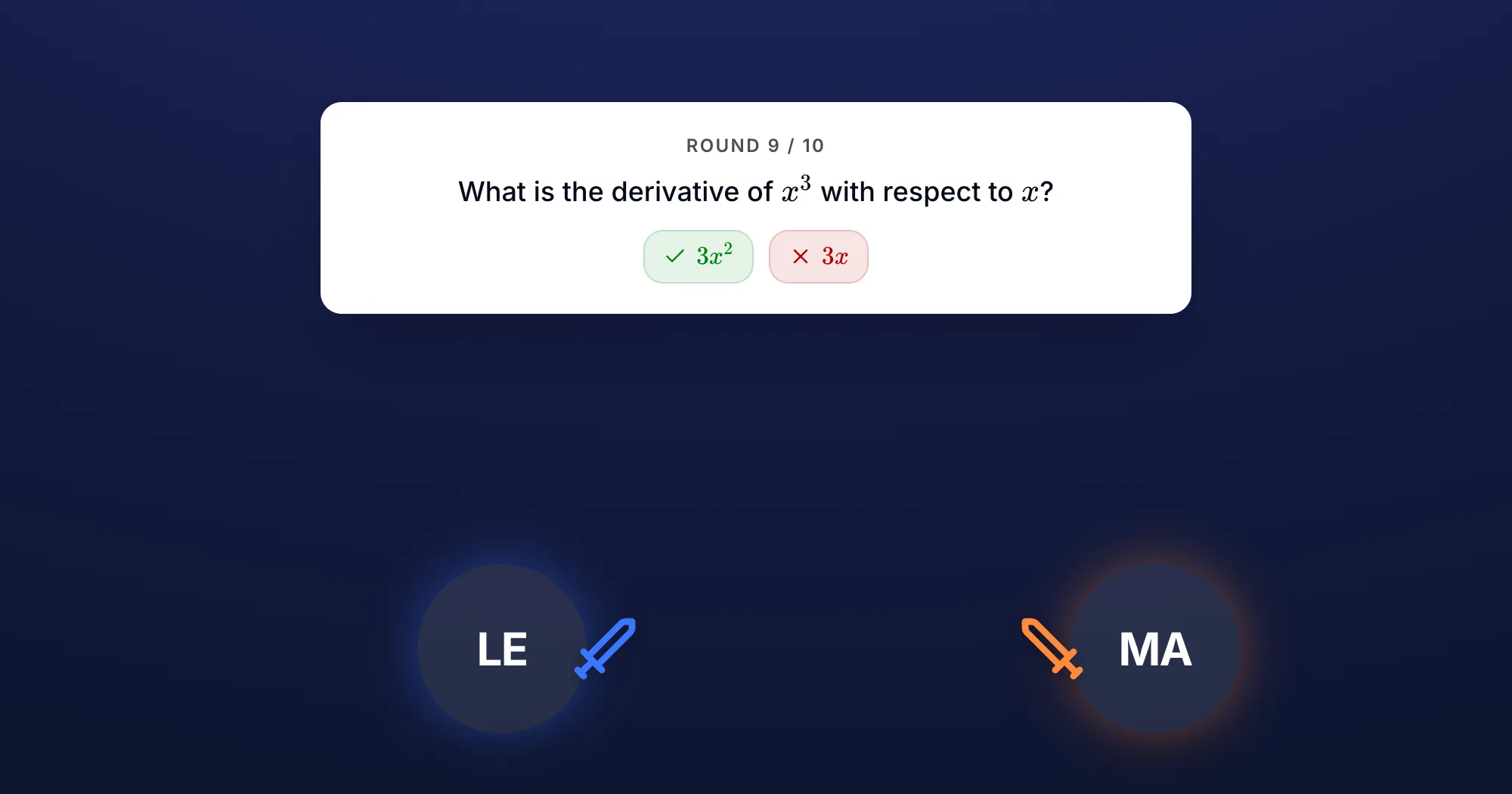
Student's view Friendly competition that makes learning feel fun.
- Head-to-head challenges on the same questions
- XP, levels, streaks and trophies for practice
- A class leaderboard by points, never by grades
- The organization, the teacher and the student can each switch it off
Student's view


Track
Insights on every student and every topic, one skills profile across courses, and a read-only view for parents.
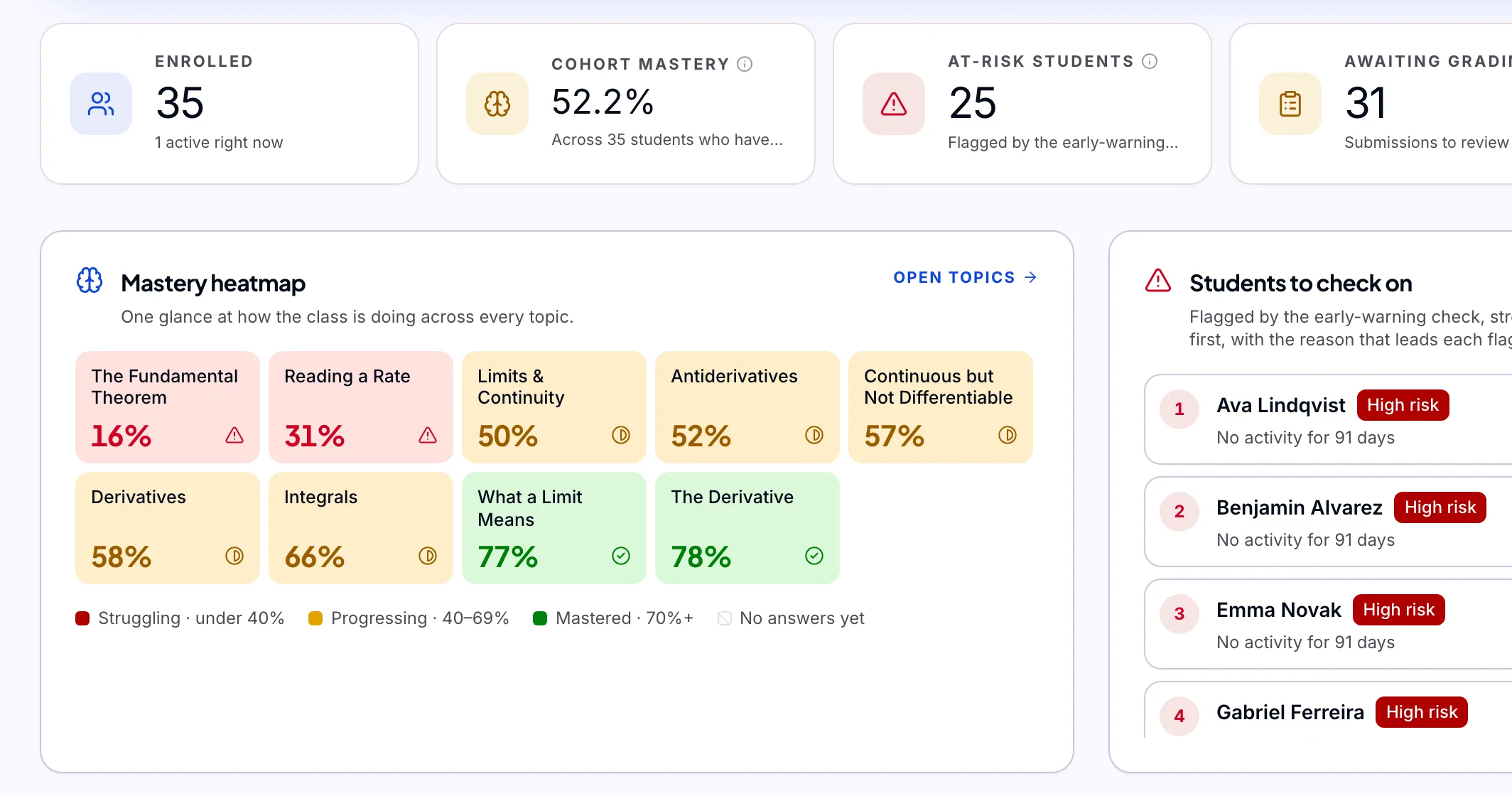
Full visibility on every student and every topic.
- Students to check on, with the reasons in plain words
- Mastery per topic for the whole class
- The questions the class misses most
- Every number opens to the evidence behind it
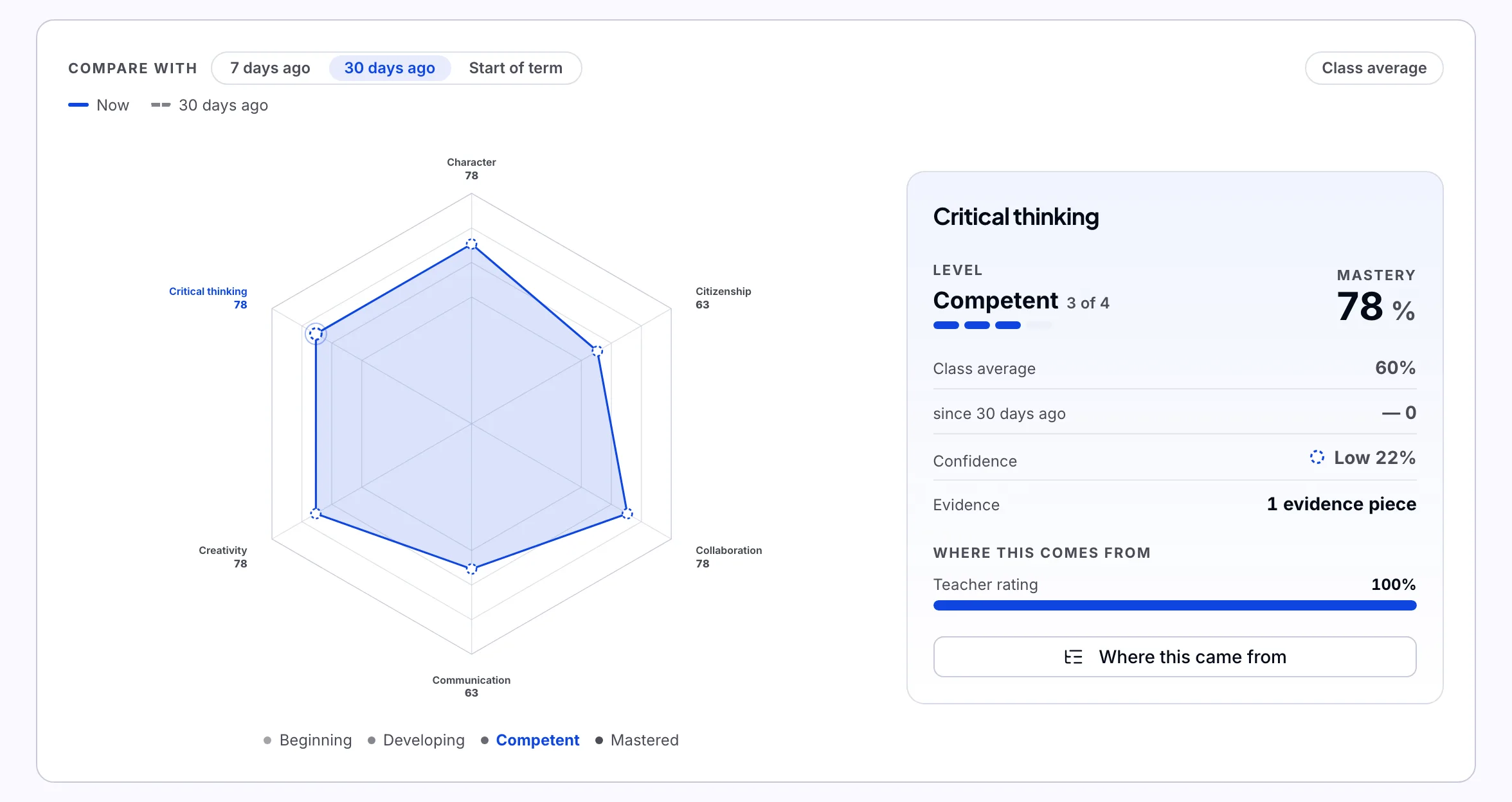
Teacher's view One skills profile per student, across every course.
- Use your own framework: PFEQ, the 6C or IB
- Every teacher rates on one shared scale
- A radar that shows where each score came from
- A leadership view of a whole cohort
Teacher's view A view for parents, and the right access for every role.
- Parent accounts that are read-only and show posted grades only
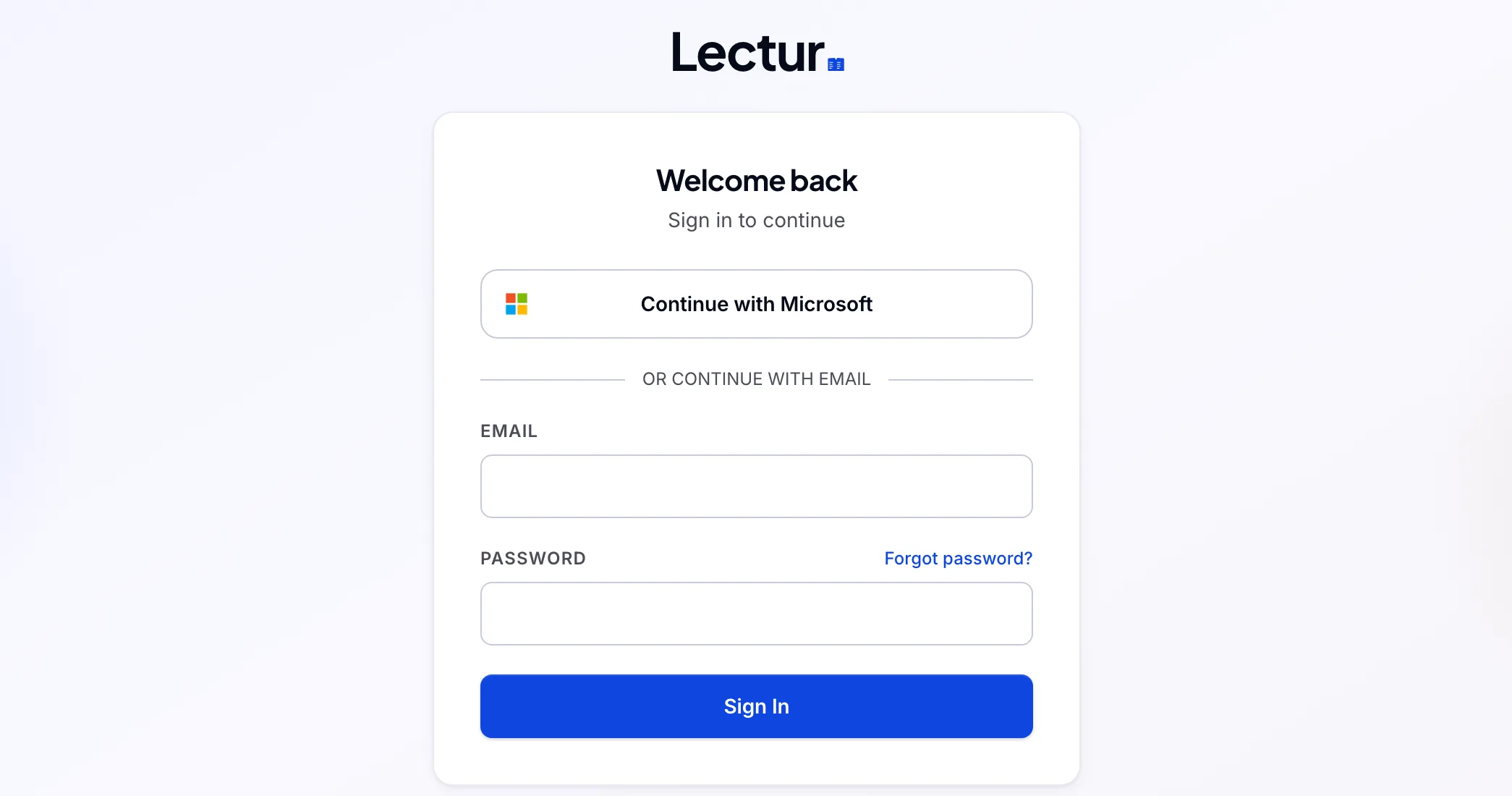
- Sign in with Microsoft, Google or your own provider
- Custom roles and an audit log of every admin action
- English and French on every screen


Come see what we've built.
Bring a chapter from one of your courses and we'll set it up live during a walkthrough.
Book a walkthrough